If you have searched for OnStream APK, you have probably seen many websites offering different versions of the app. The problem is that the name “OnStream” is currently associated with more than one Android application, including a verified Google Play app for Android TV and separate third-party APKs promoted as movie and TV streaming applications. Therefore, it is important to identify which OnStream app you are actually looking for before downloading or installing anything.
This guide explains what OnStream APK means, its commonly discussed features, supported devices, installation considerations, safety concerns, and the difference between the verified Android TV application and unofficial streaming APKs.
What Is OnStream APK?
OnStream APK generally refers to an Android application package distributed outside the standard Google Play installation process.
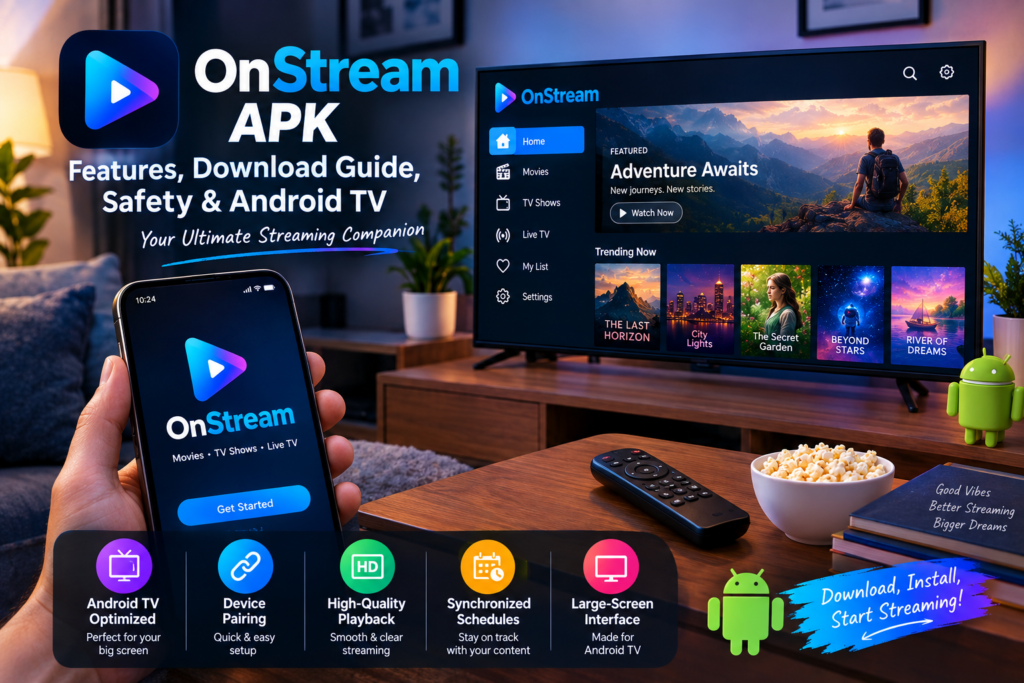
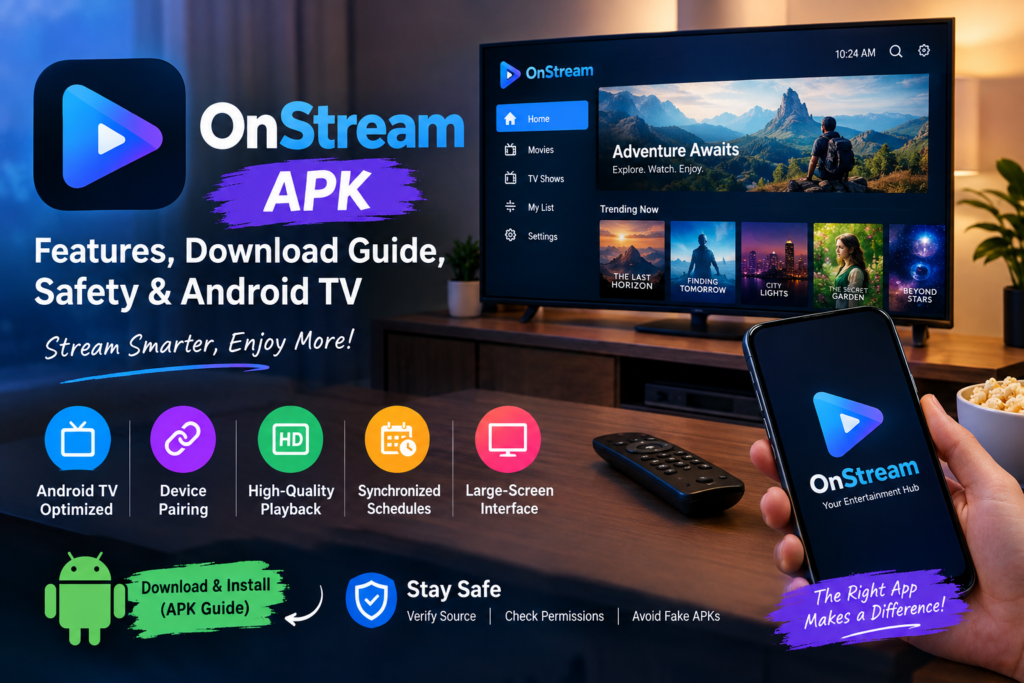
However, there is an important distinction. The currently verifiable Google Play version of OnStream is published by Onstream LLC and is described as a premium content player designed for Android TV. Its listed features include device pairing through a registration code, high-quality video playback, synchronized schedule management, and an interface optimized for large Android TV displays.
At the same time, various websites use the name OnStream APK for a different movie-and-TV streaming application. Current research indicates that a consistently verifiable official developer, package identity, signing certificate, and current release for that movie-streaming APK cannot be independently established.
That distinction is one of the most important things to understand before downloading an APK.
Onstream APK at a Glance
| Feature | Details |
|---|---|
| App name | OnStream |
| Platform | Android / Android TV depending on version |
| Verified Google Play developer | Onstream LLC |
| Verified package | com.onstream.onstream |
| Main verified purpose | Premium content player for managed Android TV |
| Pairing | Registration-code based |
| Video playback | High-quality playback |
| TV interface | Optimized for large screens |
| APK versions | Multiple unofficial versions may exist online |
| Main concern | Confusion between legitimate and unofficial APKs |
Why Is OnStream APK So Confusing?
Searching for OnStream can produce very different results.
Some pages describe OnStream as a movie and television streaming application. Other sources point to the Google Play application designed for managed Android TV content. There are also third-party websites using terms such as “official APK,” “latest version,” and “original APK.”
These descriptions should not automatically be treated as proof of authenticity.
A recent investigation into the OnStream name found that the verified Google Play application and the separate movie-streaming APK ecosystem should be treated as different products unless their identity can be independently confirmed.
This is why checking the developer name, package name, source, permissions, and version information is more useful than simply trusting the title of a download page.
Features Commonly Associated With Onstream
Features depend on which OnStream application you are referring to. The verified Google Play version currently lists several Android TV-focused functions.
1. Android TV Optimization
The Google Play version is specifically designed for Android TV. Its interface is optimized for larger displays, making navigation more appropriate for television screens than a normal phone-only application.
2. Device Pairing
The verified application supports quick device pairing using a registration code displayed on the screen.
This type of setup can make the initial connection easier because users do not necessarily have to enter long credentials using a television remote.
3. High-Quality Video Playback
OnStream’s Google Play description states that the application supports seamless, high-quality video playback.
Actual playback quality can still depend on the content source, network connection, device capabilities, and the particular service providing the content.
4. Synchronized Scheduling
Another listed feature is synchronized schedule management for managed screens.
This makes the verified application different from a conventional movie catalog app because its Play Store description focuses on managed content and scheduled playback rather than presenting it as a general-purpose free movie library.
5. Large-Screen Interface
Television applications need different navigation than smartphone applications. The verified OnStream app is designed around Android TV’s larger interface, making its controls easier to use with a TV remote.
OnStream APK for Android Phones
One common mistake is assuming that every application called OnStream is designed for Android phones.
The verified Google Play listing specifically describes OnStream as an Android TV content player. Therefore, users should check the exact application information before installing an APK on a smartphone.
Third-party pages may advertise different OnStream packages for phones, but those files should not automatically be considered official simply because they use the OnStream name. Current sources specifically warn that multiple unrelated applications and APK websites use this name.
OnStream APK for Android TV
Android TV is the platform most clearly associated with the verified Google Play version.
The official Play Store description lists:
- Android TV optimization
- Registration-code pairing
- High-quality video playback
- Synchronized schedules
- Managed-screen content
- Large-screen navigation
If your goal is to use the verified application, the Google Play listing is preferable to downloading an APK from an unknown website because the app’s developer and package identity can be checked directly.
Can You Install an OnStream APK?
Technically, Android devices can install applications distributed as APK files, but installing an APK from outside an official app store introduces additional risks.
Before installing any third-party APK, consider checking:
Developer identity
Look for a recognizable developer and compare it with information from a trusted source.
Package name
The verified Google Play OnStream application uses:
com.onstream.onstream
If an APK uses a completely different package name, do not assume it is the same application.
Version information
Be cautious when a download page claims to have a “latest version” without providing a reliable developer-controlled release history.
Permissions
Review the permissions requested by the application. An app should not require access that appears unrelated to its advertised function.
File source
Avoid random APK mirrors, pop-up download pages, modified packages, and files that are difficult to trace back to a legitimate developer.
Is OnStream APK Safe?
There is no single answer for every file called OnStream APK because different APK files can come from different sources.
The Google Play version provides identifiable developer information and Google’s standard app-distribution environment. Google Play currently identifies the developer as Onstream LLC and states that the app may collect device or other IDs and app information/performance data; it also says data is encrypted in transit and that users can request deletion.
Unofficial APKs are different.
A third-party APK can potentially be modified after leaving the developer’s distribution channel. Therefore, a website saying that a file is “100% safe,” “official,” or “virus-free” is not enough evidence by itself.
A security-conscious approach is to verify the source, package identity, permissions, and file integrity before installation.
Is OnStream APK Legal?
The answer depends on which OnStream application you mean and what content is being accessed.
The verified Google Play application is presented as a content player for managed Android TV screens. That does not automatically mean it provides a free catalog of copyrighted movies and television programs.
Meanwhile, some third-party websites describe other OnStream APKs as free movie and TV streaming applications. If an application provides copyrighted content without appropriate authorization, using that content may create copyright issues depending on the country and circumstances.
Therefore, users should check whether the content they access is properly licensed in their jurisdiction.
Common Problems With OnStream APK
Users searching for OnStream may encounter several different problems because they may be using different versions.
App Won’t Open
If an APK does not launch, possible causes include:
- incompatible Android version
- corrupted APK
- incompatible device architecture
- outdated application
- server-side problems
- modified or incomplete APK
OnStream Keeps Loading
Streaming applications depend heavily on network connectivity and remote servers. Slow internet, unavailable content sources, or server problems can cause continuous loading.
Try checking your internet connection and testing another legitimate streaming application.
APK Installation Failed
Android may reject an APK because:
- the package conflicts with an existing installation
- the APK is corrupted
- the application is incompatible
- there is insufficient storage
- the installation source is restricted
If you obtained the APK from an unknown website, downloading a different file is not necessarily the best solution. First verify that you actually have the correct application.
How to Identify the Correct OnStream App
Before installing anything, use this checklist:
Step 1: Check the exact app name.
Step 2: Check the developer.
Step 3: Check the package name.
Step 4: Check whether the app is intended for Android TV or smartphones.
Step 5: Review the permissions.
Step 6: Check the source of the APK.
Step 7: Avoid files with unexplained modifications.
Step 8: Scan suspicious files with reputable security software.
Step 9: Keep Android and Google Play Protect updated.
This process can prevent a common mistake: downloading an application that has the same name but is actually a completely different product.
OnStream APK vs Google Play Version
| Factor | Verified Google Play OnStream | Unofficial OnStream APK |
|---|---|---|
| Distribution | Google Play | Third-party websites |
| Developer identification | Onstream LLC | Can vary |
| Package identity | com.onstream.onstream | May vary |
| Main documented purpose | Android TV content player | Often advertised as movie/TV streaming |
| Update verification | Google Play listing | Depends on source |
| Risk level | Easier to verify | Requires additional verification |
| Recommended verification | Play Store developer information | Source, signature, package and permissions |
The key point is not that every third-party APK is automatically malicious. Rather, the identity and authenticity of each APK should be established before installation.
Tips for Using Streaming Apps More Safely
Whether you use OnStream or another Android streaming application, a few basic habits can improve security.
Download from recognized sources
Official app stores or developer-controlled distribution channels provide more information about an application than anonymous download sites.
Keep Android updated
Security updates can address vulnerabilities affecting the operating system and installed applications.
Review permissions
If an entertainment application requests access that does not appear necessary, investigate before granting it.
Avoid modified APKs
“Mod,” “premium unlocked,” or modified APKs can be especially difficult to verify because their contents may differ from the developer’s original release.
Don’t trust exaggerated claims
Phrases such as “100% safe,” “no risk,” and “official latest version” should not be considered security evidence.
FAQ
What is OnStream APK?
OnStream APK is a term used for Android application packages associated with the OnStream name. Currently, the name is used for different applications, so users should verify the exact developer and package before downloading.
Is OnStream available on Google Play?
Yes. A Google Play application called OnStream is currently listed under Onstream LLC. It is described as a premium content player for Android TV.
What is the package name of the verified OnStream app?
The Google Play application uses the package name com.onstream.onstream.
Is OnStream an Android TV app?
The verified Google Play version is specifically described as an Android TV content player and includes an interface optimized for large screens.
Can I trust every OnStream APK download website?
No. Different websites distribute files under the OnStream name, and current research indicates that the movie-streaming APK ecosystem does not have a consistently verifiable official distribution identity.
Does OnStream provide movies and TV shows?
This depends on the particular application. The verified Google Play app is described as a managed Android TV content player. Other third-party websites use the OnStream name for movie and TV streaming APKs, but those should not automatically be treated as the same product.
Should I install an unknown OnStream APK?
Before installing any APK from outside an official store, verify its source, developer, package name, permissions, and authenticity. If these details cannot be established, it is safer not to install the file.
Conclusion
OnStream APK is a keyword that can be confusing because several different products and download pages use the same name.
The most clearly verifiable current Android application is the Google Play version from Onstream LLC, which is designed as a premium content player for Android TV and includes features such as device pairing, high-quality playback, synchronized scheduling, and a large-screen interface.
The separate movie-and-TV streaming APK frequently promoted online is much harder to authenticate. Current sources indicate that its official developer identity, package information, signing details, and current release cannot be independently confirmed.